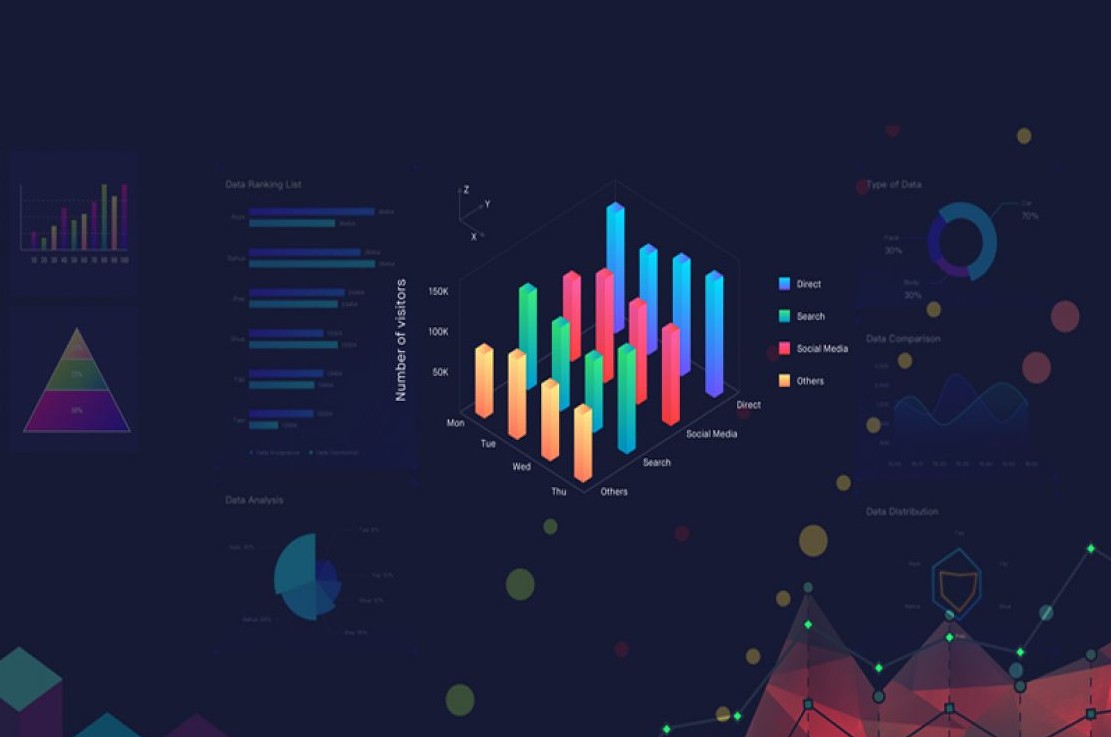
The Art of Visual Storytelling: Transforming Data into Engaging Narratives
The art of visual storytelling is a powerful technique that allows creators to transform complex data into engaging narratives. By integrating visuals such as charts, graphs, and infographics, we can enhance understanding and retention among audiences. This approach is especially effective in fields like marketing, education, and journalism, where conveying intricate information in a concise manner is crucial. When visual elements are harmoniously blended with storytelling, they cultivate an emotional connection, making the data not just informative but also relatable.
To master the transformation of data into engaging narratives, consider these essential steps:
- Identify your audience - Understand who you are communicating to and what they care about.
- Simplify the data - Distill your information down to its core components.
- Utilize compelling visuals - Choose graphics that enhance the message without overwhelming the viewer.
- Craft a narrative - Weave the visuals into a story that educates, engages, and inspires.
Top 5 Data Visualization Tools to Captivate Your Audience
In the age of big data, effectively communicating your findings is more crucial than ever. Data visualization tools play a significant role in making complex information easily digestible and engaging for your audience. Here are the Top 5 Data Visualization Tools that can help you transform raw data into compelling visual stories.
- Tableau: Renowned for its powerful capabilities, Tableau allows users to create interactive and shareable dashboards. Its drag-and-drop interface makes it accessible even for those without extensive technical expertise.
- Power BI: A favorite among businesses, Microsoft Power BI integrates seamlessly with other Microsoft services and offers real-time data analysis, enabling users to create insightful visuals swiftly.
- Google Data Studio: This free tool enables users to turn their data into informative, customizable dashboards. It provides a collaborative environment, making it easy for teams to work together and share insights.
- D3.js: A JavaScript library for producing dynamic and interactive data visualizations in web browsers, D3.js allows for great flexibility and customization, making it perfect for developers looking to create unique visual narratives.
- Infogram: A user-friendly tool, Infogram offers a wide array of templates to help you create attractive infographics and reports easily. It's particularly useful for marketing, as it emphasizes visual communication.
How to Choose the Right Chart: A Guide to Effective Data Display
Choosing the right chart is crucial for effectively communicating your data insights. With a variety of chart types available, it’s important to assess the nature of your data and the message you want to convey. Begin by identifying the type of data you're working with (e.g., categorical, time series, or continuous) and determine the key relationships you wish to showcase. For example, if you're looking to compare different categories, a bar chart might be ideal, whereas a line chart could effectively illustrate trends over time.
In addition to selecting the correct type of chart, consider factors like audience familiarity and the context in which the data will be presented. An effective chart not only presents data clearly but also engages the audience. Utilize color wisely to maintain clarity and avoid unnecessary distractions. Lastly, always remember to label axes clearly and include a legend if necessary, ensuring that your audience can easily interpret your data display. Taking these steps will help you create a more impactful narrative through your data.